Easy 3d Model Viewer - Complete Description
Category: WordPress Plugins • Platform: PHP
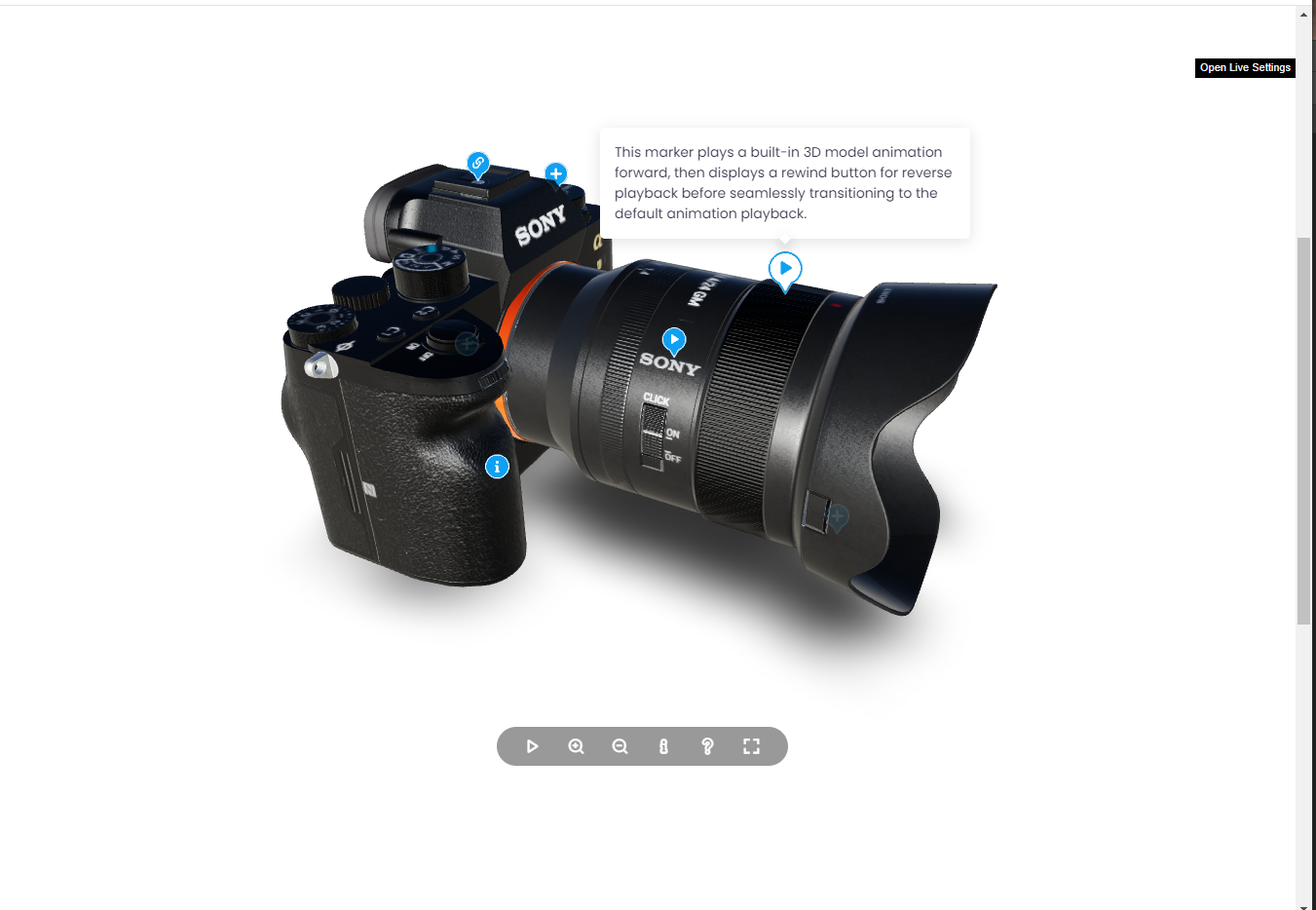
Showcase authentic 3D models with realistic rendering (lights, environment maps and shadows). Add markers with tooltips and info windows, control animations, and tween the camera to predefined positions.
Highlights
Realistic 3D Models – Realistic rendering with lights, environment maps and shadows.
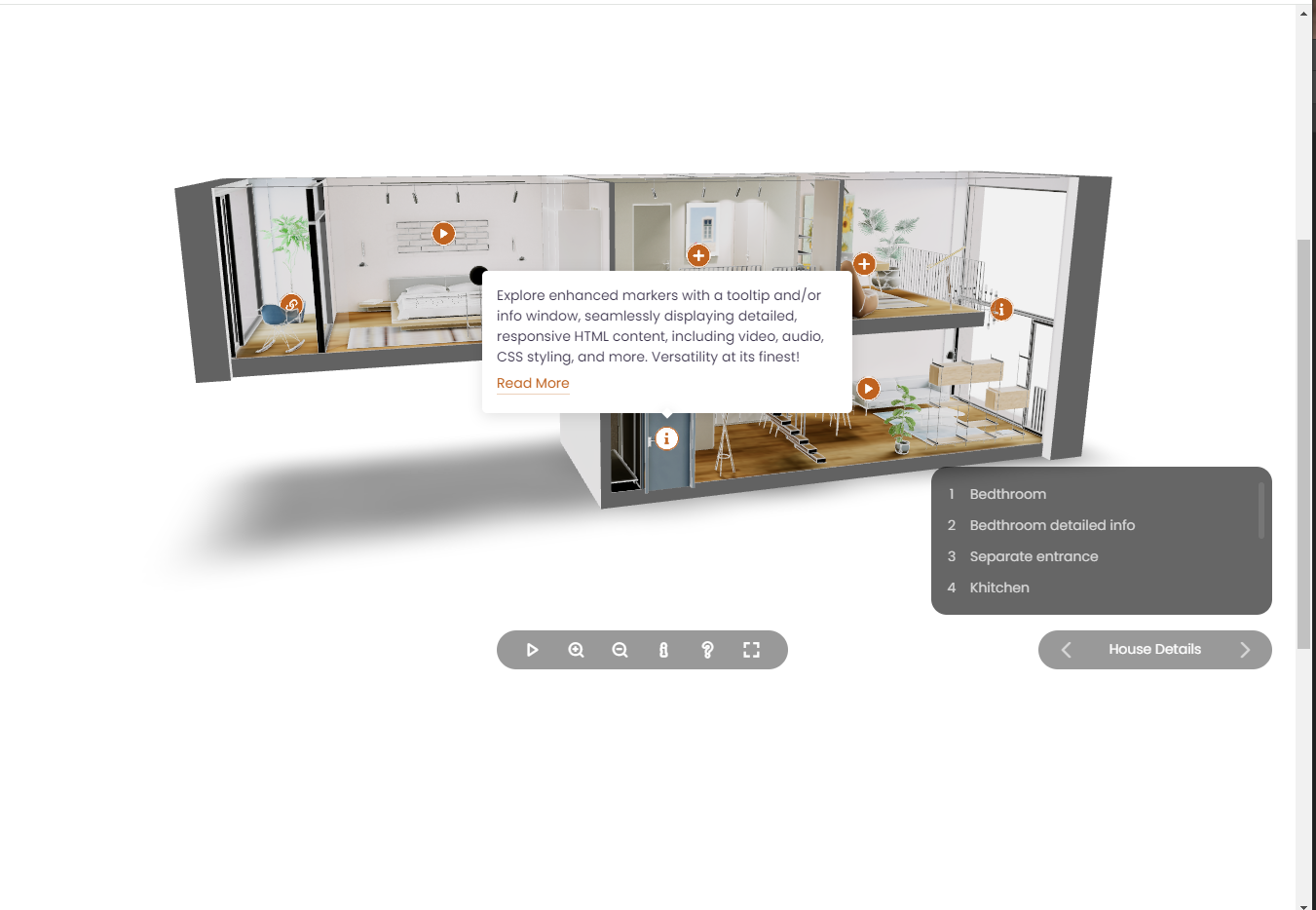
Hotspots/Markers – 3D markers and 2D markers can be added anywhere on the model. They can display tooltips/info windows, control built-in animations, and tween the camera to specific positions.
Easy To Configure And Install – Includes documentation, video tutorials, demo pages, updates and support from the developer – Tibi @ FWD.
Main Features
- Responsive Layout – Fully responsive and adaptable to any device.
- Desktop & Mobile Optimized – iPhone, Android, and desktop browsers supported.
- Lightbox Support – Easy 3d Model Viewer can be opened in a lightbox when the page is ready or triggered by an external action, such as clicking a button. The lightbox layout is fully responsive, and the viewer size can be customized as needed, example here.
- Customizable Size – Set any width, height, and aspect ratio.
- Vector Skin – Responsive or after parent mode.
- Preloader – Vector based preloader that stays sharp on mobile and desktop.
- Customizable Color Theme – The color theme of all viewer elements can be easily customized to suit your preferences, example here.
- Lazy Scrolling/Loading – Option to initialize Easy 3d Model Viewer on scroll when the viewer is visible in the page, this way for example if the viewer is in a section that is not visible it will not be initialized, instead the viewer will be initialized only when the user will scroll to the section in which the viewer is added.
- Customizable Preloader – Shows loading progress and can display a poster, with configurable size and position, example here.
- Buttons Controller – Customizable controller featuring play, zoom in, zoom out, info, help, and fullscreen buttons. The controller automatically hides itself after a designated period of user inactivity.
- Orbital Controls – Customizable 3D orbital controls that allows to zoom and move the camera.
- Orbital Controls Ranges – The camera rotation can be selectively constrained both horizontally and vertically, alongside customizable minimum and/or maximum zoom settings, adjusting parameters such as zoom factor, damping factor, zoom speed, pan speed, and more, example here.
- Auto-Rotation – The 3D model can be configured for automatic rotation, with the option to customize the rotation speed and direction to suit individual preferences, example here.
- Keyboard Pan – Navigate the model effortlessly with keyboard shortcuts, using the intuitive W A S D keys or your preferred custom key setup, the pan speed can be adjusted as well.
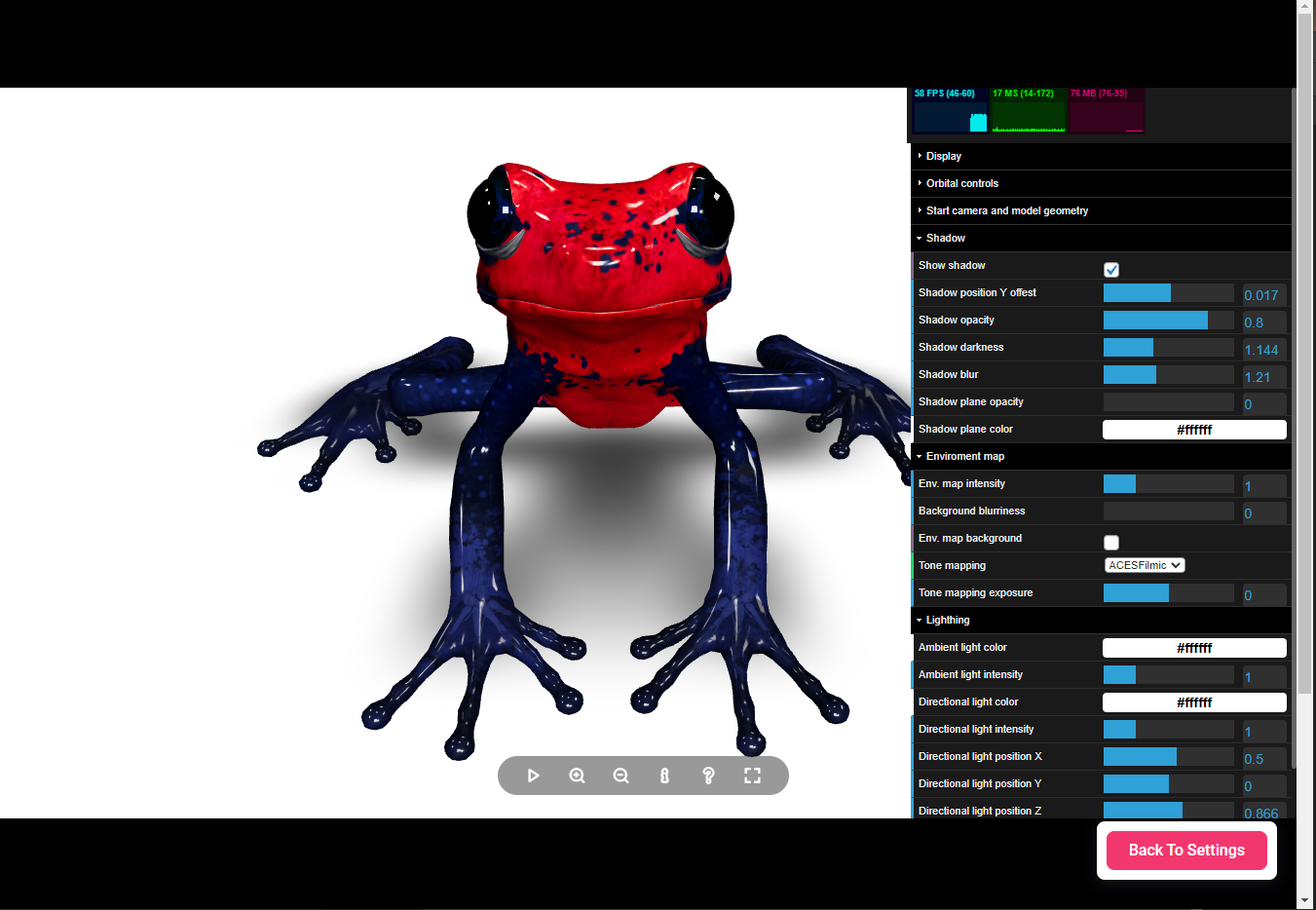
- Environment Map – Enhanced environmental mapping support with .exr files, offering nuanced control. Choose to display the environment map as a background, utilize it solely for reflections and lighting in a specific mode, or apply it subtly as a color-toned gradient color.
- Lights – Effortlessly customize directional and ambient lighting to suit your model perfectly. Easily set the light intensity and position according to your preferences, with added support for tone mapping to extend the luminance range for a richer visual experience.
- Contact Shadow – Achieve authentic contact shadows with a defined contact plane. Tailor the shadow’s blur, darkness, and opacity to your exact specifications for a seamless and customizable visual experience.
Configuration
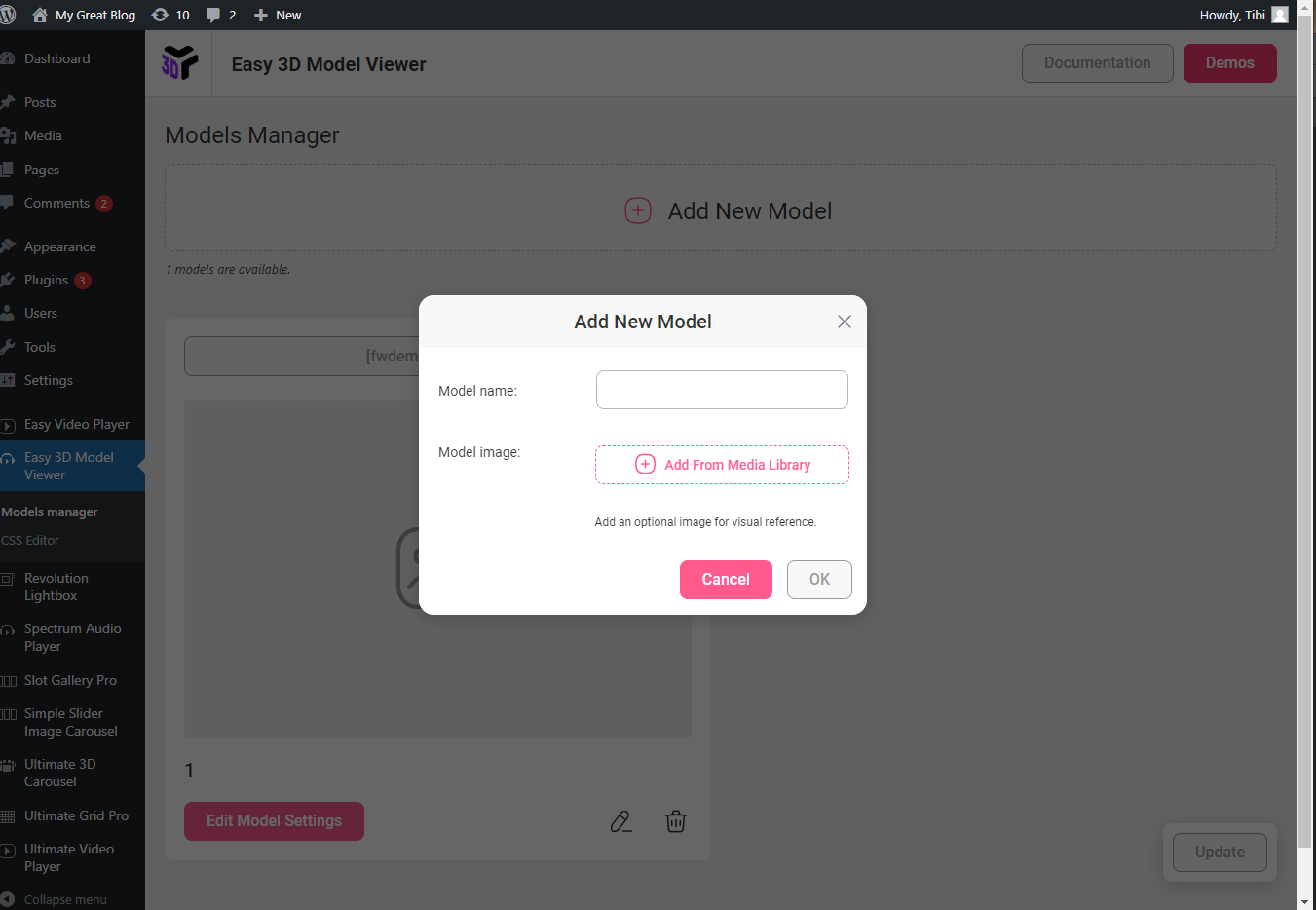
After activation, open the plugin settings in the WordPress admin area and create a new viewer preset. Then use the shortcode below in any post/page.
Use Cases
Embedding 3D models in posts or pages
Product visualization with 3D previews
Showcasing GLTF/GLB models interactively
Creating 3D hotspots and annotations
Displaying 3D assets in portfolios or documentation
Links
Shortcode
Basic example:
[fwdemv id=”1″]
Development
This plugin’s full source code is publicly available for transparency and verification.
Developed and maintained by FutureWebDesign.
- Source code & build tools — includes original uncompiled files and Vite build configuration.
- Distributed plugin uses a compiled build generated by Vite for optimal performance.