Qubely – Advanced Gutenberg Blocks - Complete Description
Category: Development • Platform: WordPress Plugins
Qubely is a full-fledged Gutenberg block toolkit with plenty of custom blocks, predefined sections and starter packs to create beautiful web pages. It minimizes the limitations of the Gutenberg editor and opens unlimited possibilities for any simple to complex design on Gutenberg. Qubely is a user-friendly Gutenberg plugin with necessary customization features and advanced functionalities.
Extend the default WordPress Gutenberg editor with many custom blocks that are missing in there. Take control of your website design and apply out of the box styling options offered in Qubely. Create web pages that are stunning as well as mobile optimized.
QUBELY GUTENBERG BLOCKS CORE FEATURES AT A GLANCE
- Predefined sections
- Modern layout packs
- Highly customizable row columns
- Row video background & blend mode
- Drag column resizing
- Shape divider/builder
- Device specific responsive controls
- Unlimited Google web fonts & system fonts
- Classic & gradient color and background
- Built-in animation
- Box-shadow
- Font Awesome 5 Icons and line icons
- Custom CSS
Want to know all the latest news and be part of the Qubely community? Join our Facebook group!
ADVANCED GUTENBERG BLOCKS INSIDE QUBELY
Qubely adds numerous custom Gutenberg blocks to the Gutenberg block editor and takes Gutenberg editor to the next level. The available custom advanced Gutenberg blocks inside Qubely are:
- Row
- Button
- Testimonial
- Heading
- Counter
- Tabs
- Accordion/Toggle
- Advanced Text
- Video Popup
- Google Map
- Progress Bar
- Social Icons
- Button Group
- Info Box
- Advanced List
- Contact Form
- Icon List
- Pricing
- Team
- Image
- Timeline
- Post Grid
- Icon
- Divider
- Block Wrapper
- Pie Progress
More advanced Gutenberg blocks, pre-designed sections and starter packs are coming every month! Signup on our site to receive updates via email.
Pro Features (Now Free)
14 blocks that help you build more sophisticated designs-
- Form Builder
- Image Gallery
- Image Carousel
- Post Carousel
- Advanced Post Grid
- Pricing List
- Team Carousel
- Testimonial Carousel
- Media Card
- Pie Progress
- Countdown
- Table Builder
- Woo Products
- Woo Carousel
QUBELY GUTENBERG BLOCKS FEATURES AND FUNCTIONALITIES IN DETAILS
-
Row: Create a row and resize columns using mouse drag to achieve the desired layout with this Gutenberg block.
-
Button: Design a flat, gradient or a line button on Gutenberg block editor. Set button icon and change icon position & size along with its spacing.
-
Testimonial: Design testimonials with quote icon, message, name, designation, avatar, ratings, etcetera and set them up in the settings unlike no other Gutenberg blocks.
-
Icon: Choose icons from the rich collection of Font Awesome and Qubely Line Icons. Apply a world of style options using this Icon Gutenberg block.
-
Google Map: Embed Google Maps with Qubely Google Map block that gives you the controls to add map address, customize height, and zoom the map on a scale of 1 to 20.
-
Divider: This WordPress gutenberg block plugin lets you separate content with the stunning 28 pre-designed dividers of Qubely’s Divider Gutenberg block.
-
Advanced Text: Add advanced text with Qubely Gutenberg plugin. Apply advanced styling options. Change the typography, tweak the design and add border & box-shadow.
-
Counter: Have an animated number/counter on your site with the Counter Gutenberg block to show your milestones in an attractive manner.
-
Tabs: Display texts in beautiful predesigned tabs. Design tabs with preferred width and spacing. Create responsive tabs to showcase features and trends.
-
Accordion: Place collapsible text contents on your site with the Accordion Gutenberg block. Setup items to reveal the hidden content in an aesthetic manner.
-
Video Popup: Create a nice video popup with Qubely Video Popup block. Change the typography and apply the overlay, box shadow and animation.
-
Heading: Create stunning titles with the advanced Heading Gutenberg block. Style heading text by tweaking typography, color, and other options.
-
Progress Bar: Present your skills, experiences, or the progress of an ongoing project using Qubely’s Progress Bar Gutenberg block.
-
Social Icons: Add and style all your social media profiles in one place with Qubely Social Icons Gutenberg block. Display popular social media channels with a label, icon or both.
-
Button Group: Create and design trendy button groups. Qubely’s Button Group Gutenberg block comes with predefined layouts, size options, and more.
-
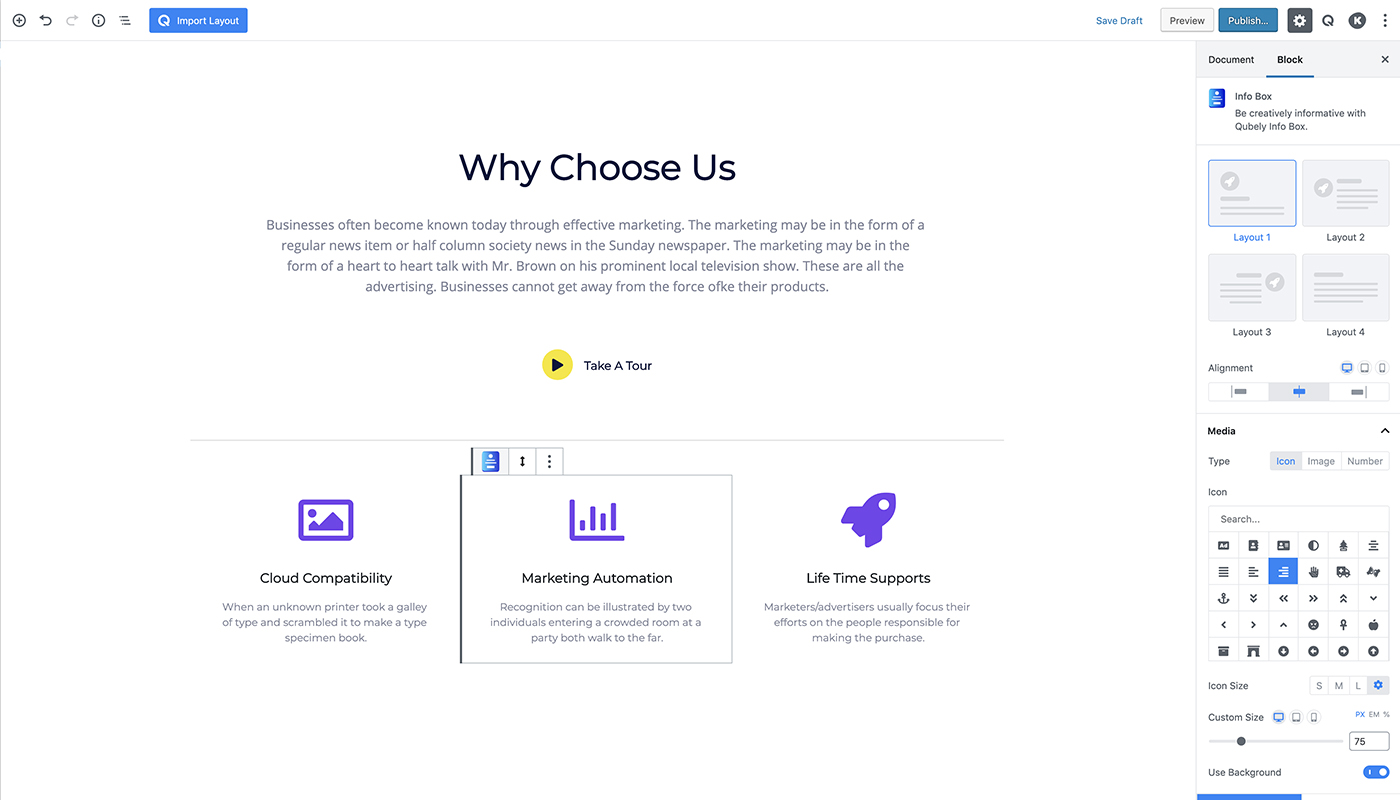
Info Box: Place engaging information with Info Box. Choose design from the 3 predefined layouts and then personalize it with the settings.
-
Advanced List: Get 2 list layouts- Classic and Fill in this WordPress gutenberg block plugin. Select the number of columns and design flexibly by defining space, background size, shadow and more.
-
Contact Form: Design contact forms with 2 layouts and many other styling options. Enter receiver email right from the block settings and enable captcha.
-
Icon List: Get 2 icon list layouts and customize them using the Qubely Icon List block. Chose icons and modify design with colour, spacing and border options.
-
Pricing: Design pricing plans with 5 layouts. Show features, badges, and post button text in the plan. Set up the plan’s duration, typography, and style badges easily.
-
Block Wrapper: Wrap up blocks with a background. Set up a gradient background by defining Gradient Angle and Type.
-
Team: Enlist team members with details. Showcase member’s profile in 3 layouts. Display designation and description with the member profiles.
-
Image: Insert and beautify images with Qubely Image Block. Get 2 layouts and style images by defining opacity, alignment, border-radius, box-shadow, and many more.
-
Timeline: Display the timelines of various events with this WordPress Gutenberg block plugin. Showcase detailed road maps and style them with images, texts, headings, icons, and more.
-
Post Grid: Display posts in different grid and list layouts. Define post number, style the feature image, tweak typography, control spacing, determine post excerpts, and do many more.
-
Pie Progress: Display complex information and visualize them in circular progress with easy configuration. Choose style from available templates and make it your own.
SOME EXCITING QUBELY FEATURES IN DETAILS
Let’s dig deep into the exciting features of this advanced Gutenberg block plugin.
PREDESIGNED SECTIONS
Qubely has a rich library of pre designed sections those can be imported and used as blocks on the Gutenberg editor. You no longer need to style them from scratch. Also, With this Gutenberg plugin, you can modify their look if you ever want to.
ROW-COLUMN STRUCTURE
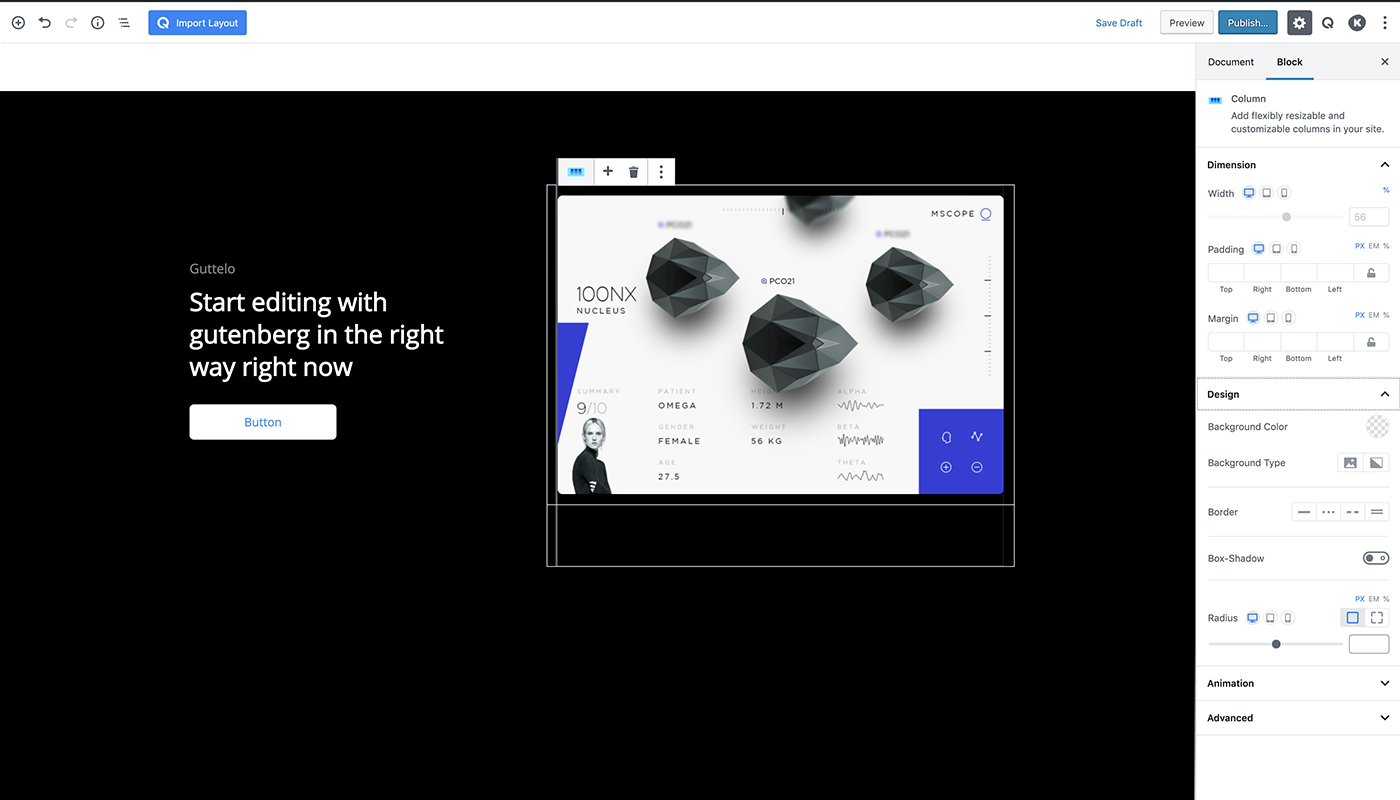
Take 1 to as many as 6 columns in a single row at a time. Get multiple combinations of columns. Most importantly, you can adjust the column size by flexibly dragging the columns. The widely used row-column concept of major page builders is with Gutenberg editor thanks to Qubely.
ADVANCED ROW-COLUMN SETTINGS
Apply padding and margin to columns and set column background with single color, image, and gradient. Give column border, apply border-radius, and animate columns.
DEVICE SPECIFIC RESPONSIVE CONTROLS
Create responsive designs with Qubely Gutenberg block plugin. Control the entire responsiveness by defining the breakpoint for small screens. Also, you can hide blocks on different devices.
CUSTOM TYPOGRAPHY CONTROLS
This Gutenberg page builder gives you full control over the typography. You can choose the font, apply font weight, font transform, set font size, line height, letter spacing in px, em, and percentage on the basis of the devices.
Want To Contribute To The Plugin?
You may now contribute to the plugin on Github: Qubely Blocks on Github