iPanorama 360 – Advanced Virtual Tour Builder - Complete Description
Category: Development • Platform: WordPress Plugins
iPanorama 360 is the WordPress plugin out there that lets you create excellent virtual tours for clients from directly inside the WordPress admin in seconds. The plugin supports markers for providing information about any part of the scene or for navigation to other rooms/areas. With a well-builded tooltip system, you can enrich a scene with text, images, video, and other online media resources. Use this plugin to create interactive & virtual tours, maps, presentations.
Just upload 360 panoramic images, and this plugin will help you to transform them into a good realistic virtual tour.
iPanorama 360 supports the classic shortcode, plus it’s fully compatible with Gutenberg Block Editor and has iFrame embed feature that help to share your tour on a third-party web resources.
Why use iPanorama 360?
This plugin has all features that are needed for your deployed a good virtual tour without any problem.
Powerful Builder Interface To Create Virtual Tours Easily
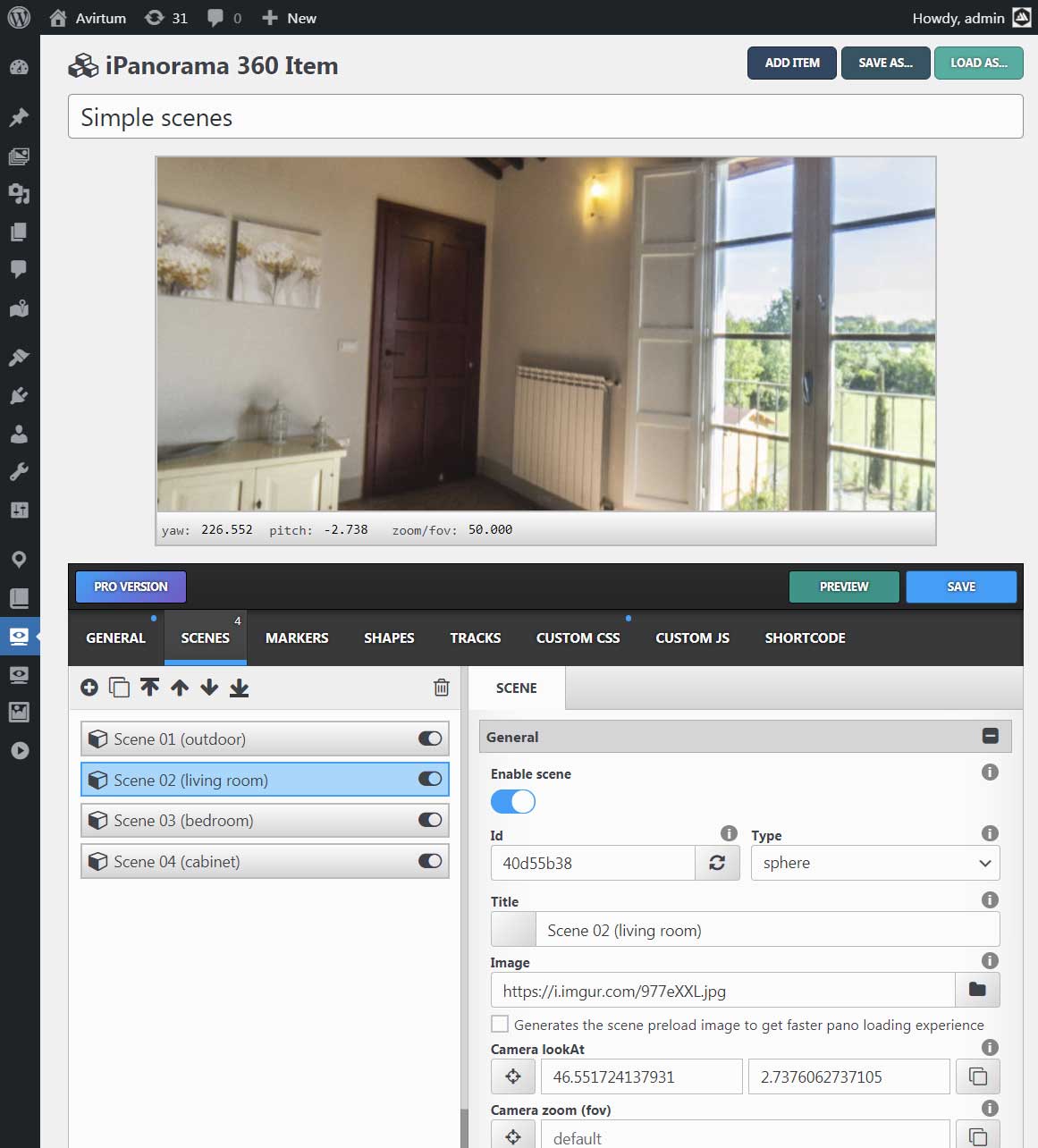
iPanorama 360 has a modern web interface, created to help you build an interactive virtual tour quick and easy.
Just imagine, you can create your first virtual tour in seconds!!!
The plugin supports the preview mode, it will help you to see all your changes before the publish. Isn’t that a good feature?)
Create A Realistic Tour From Scene to Another
You can create several scenes from 360 degree images and connect them using markers. The user can click on a marker to go previous or next scene. The walking to another scene can be styled by using a special transition effects (fade, zoom, twist and etc). Plus you can set tooltips & popovers for markers on each scene to show additional information to a viewer.
Shortcode Support
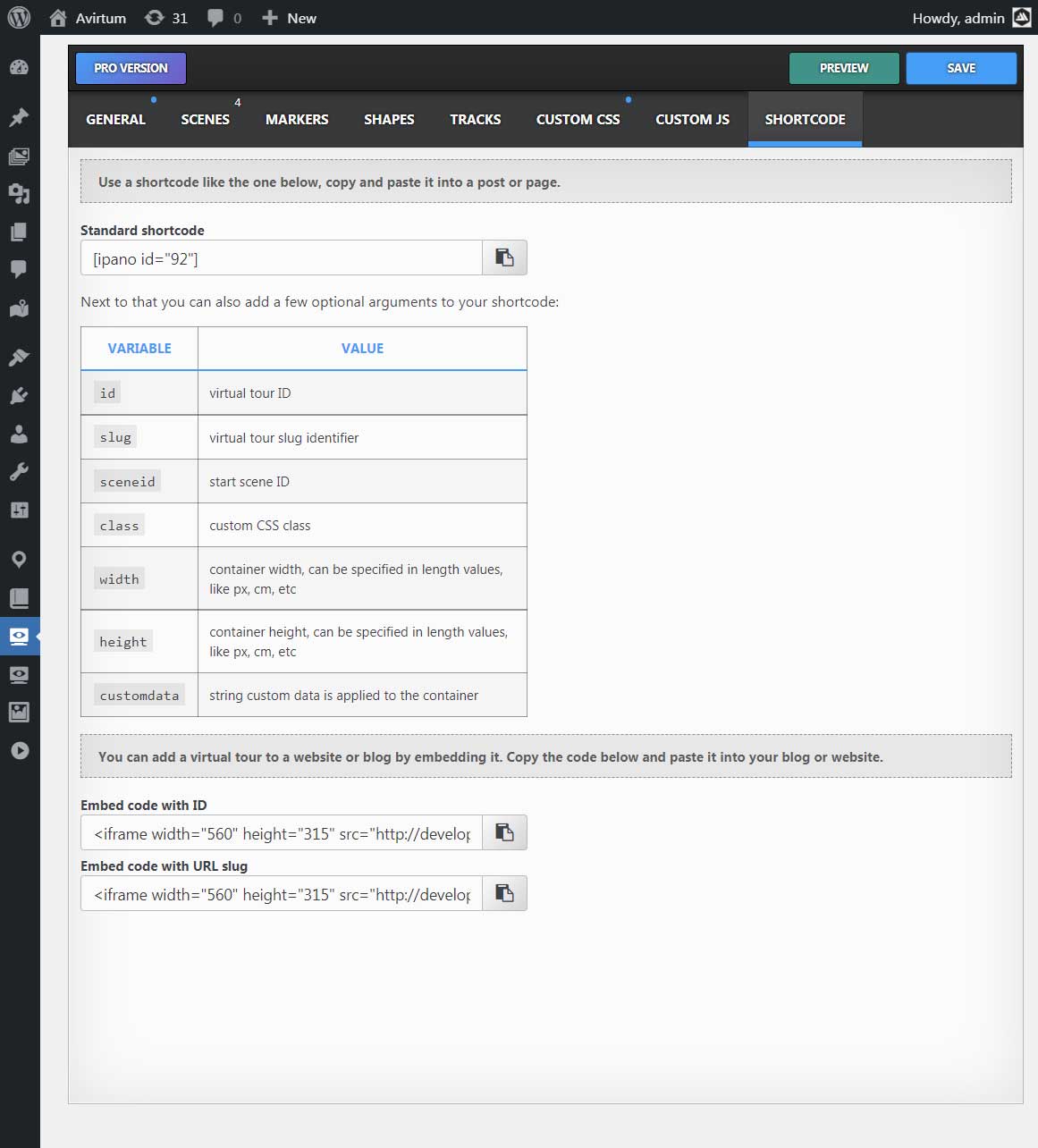
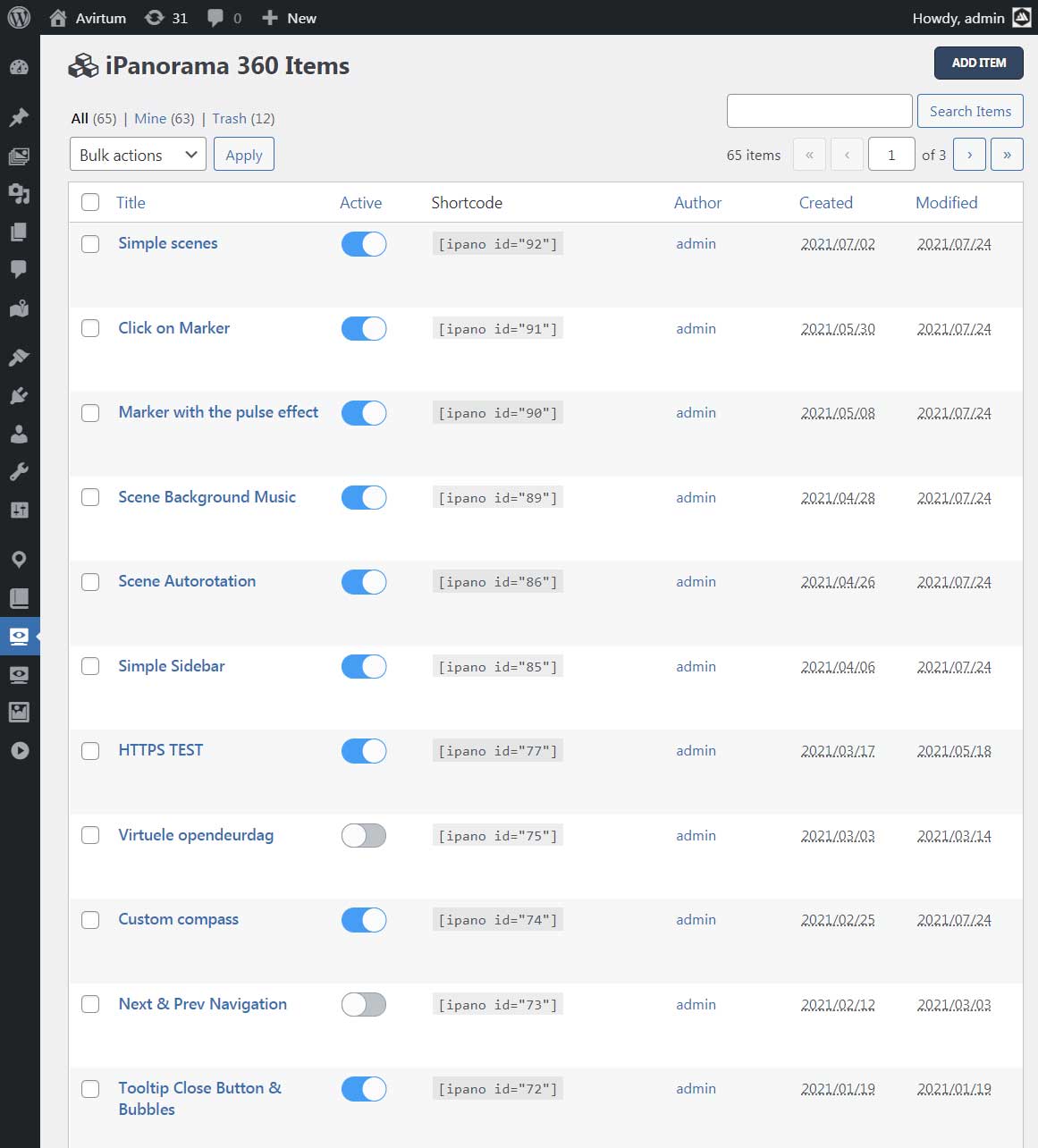
Inside the classic editor you can simply embed a virtual tour using this [ipano id=”123″] shortcode. Just set your virtual tour ID and your tour is ready to publish.
Gutenberg Block Support
Inside the Gutenberg block editor you can find the iPanorama 360 block, see the common section. This block is used to embed your virtual tour quckly on a page or post. Select a virtual tour ID from the list, set width & height if it’s needed and the tour is ready to go.
IFrame Embed Feature Support
You can share your tour on other web sites using the html iframe. To do this you should go to the tour builder, select the “shortcode” section and copy/paste the embed iframe code.
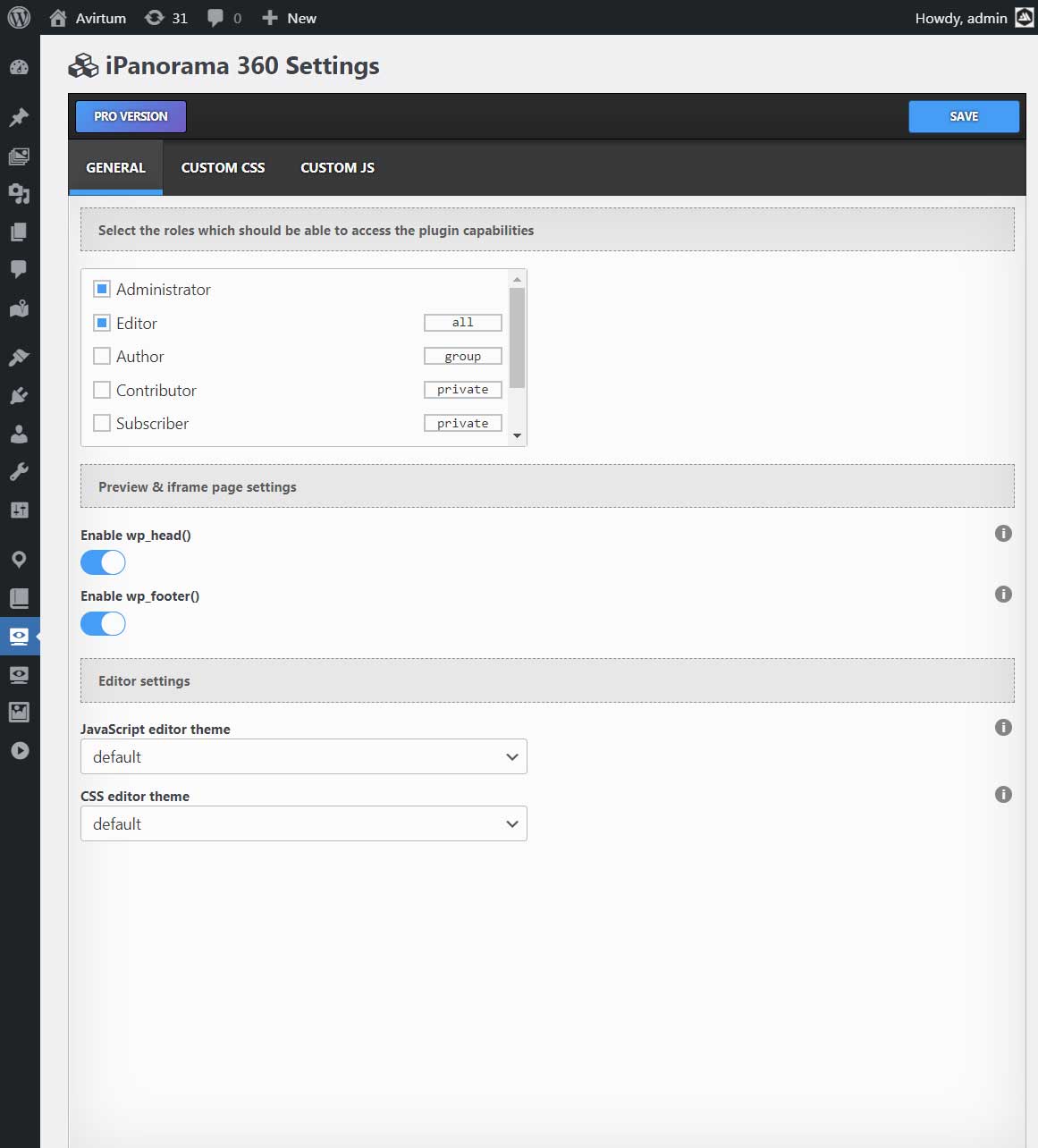
Control Permissions for Authors and Editors
The plugin gives you a way to edit the access for wp roles to create virtual tours. Only selected roles can modify virtual tours. Each selected role can have one state from this list: ‘private’, ‘group’, ‘all’.
- private – you can create & edit only your items
- group – you can create & edit the group items
- all – you can create & edit all items (from any group, including admin items)
Who Should Use iPanorama 360?
- Stores
- Schools
- Museums
- Showrooms
- Travel Agency
- Art Galleries
- Real Estate Agency
and much more…
List of features
- Easy To Use Builder
- Gutenberg block support
- Create Multiple Scenes (5 types)
- Flat Scene
- Sphere & Cube Scene
- Little Planet Scene
- Google Street View Scene
- Create Markers & Tooltips & Popovers
- Two Popover Styles (inbox, lightbox)
- Marker Style Creator
- Customization with Custom CSS
- Tooltips Show & Hide Animations (50+)
- Popover Show & Hide Animations (50+)
- Connect Scenes via Special Markers
- Duplicate Tour on One Click
- Scene Transition Animation
- Live Preview Virtual Tour Before Publish
- Gyroscope & Keyboard Navigation
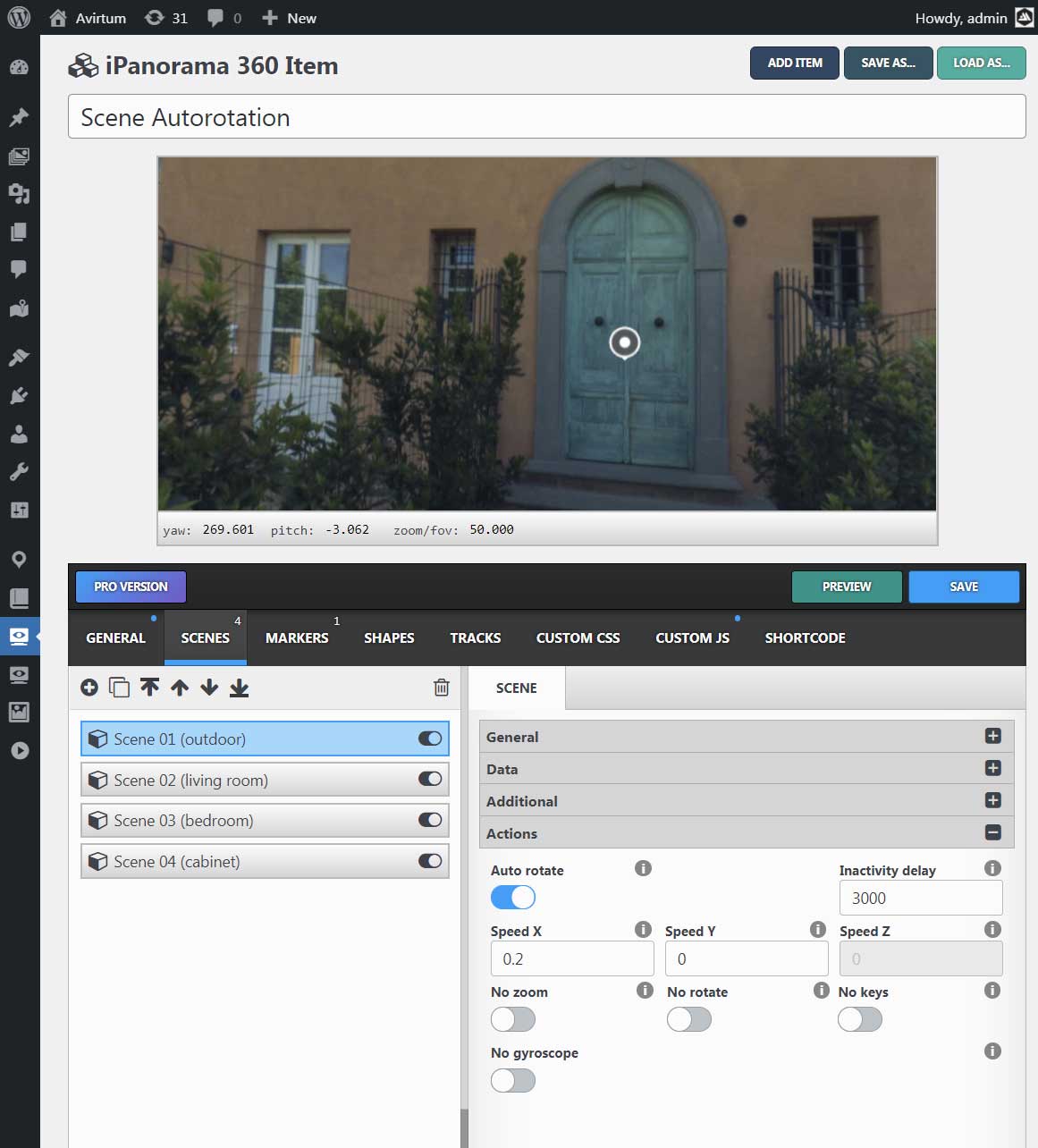
- Auto Rotation (play, stop, speed)
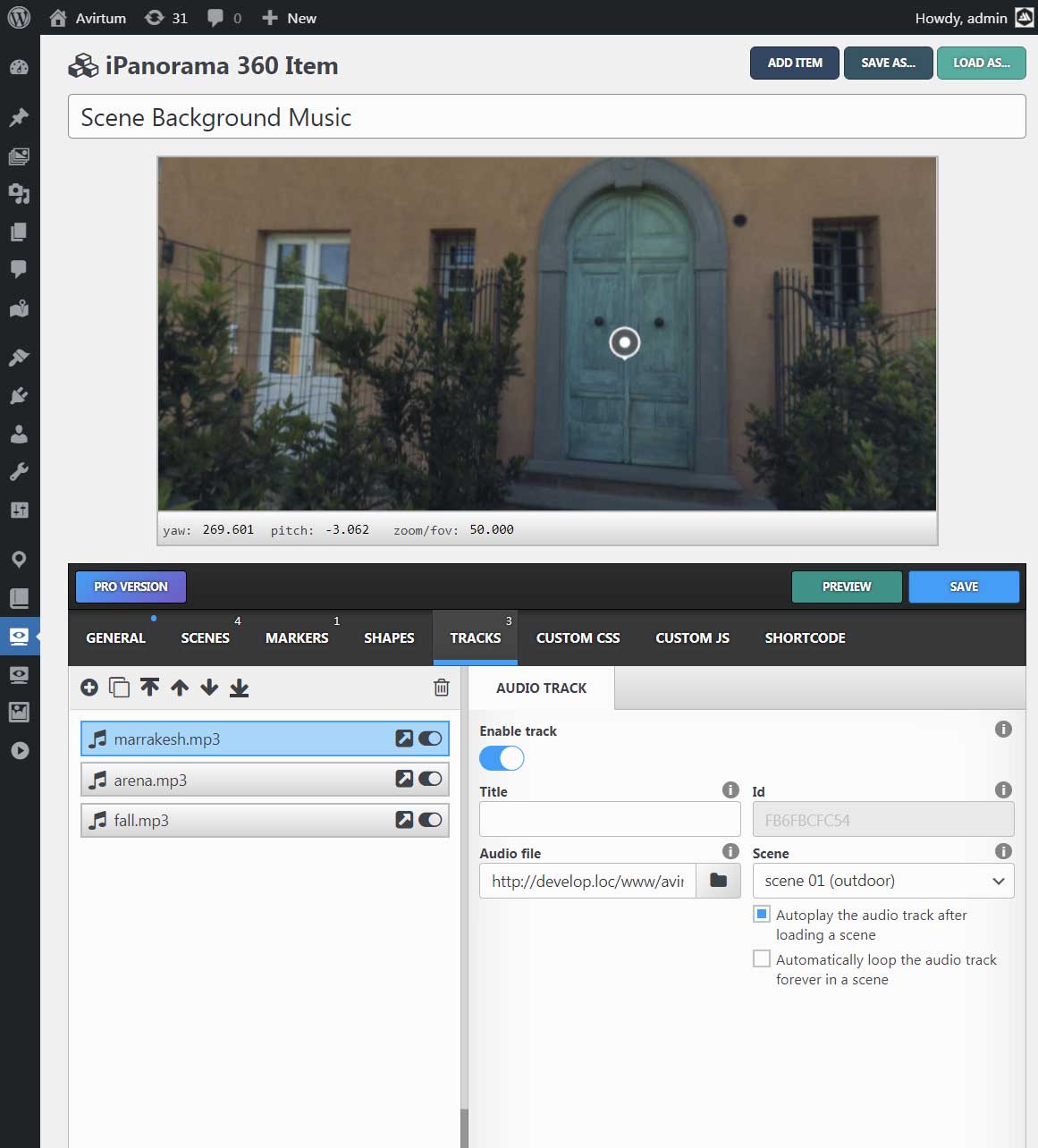
- Audio Background (play, stop, volume)
- Normal & Stereo View
- Thumbnails Preview
- Embed iframe Feature
- Responsive Default Design
- Export & Import Config
- Two Themes (light & dark)
- Permission System For WP User Roles
- Great Customization
- Powerful API