WP Downgrade - Complete Description
Category: Utilities • Platform: WordPress Plugin
⚙️ WP Downgrade | Specific Core Version – Core Downgrade/Update
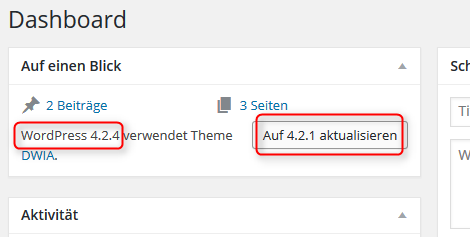
This plugin allows you to force the WordPress Core update routine to install a specific WordPress version—whether older or newer.
🇬🇧 English Summary
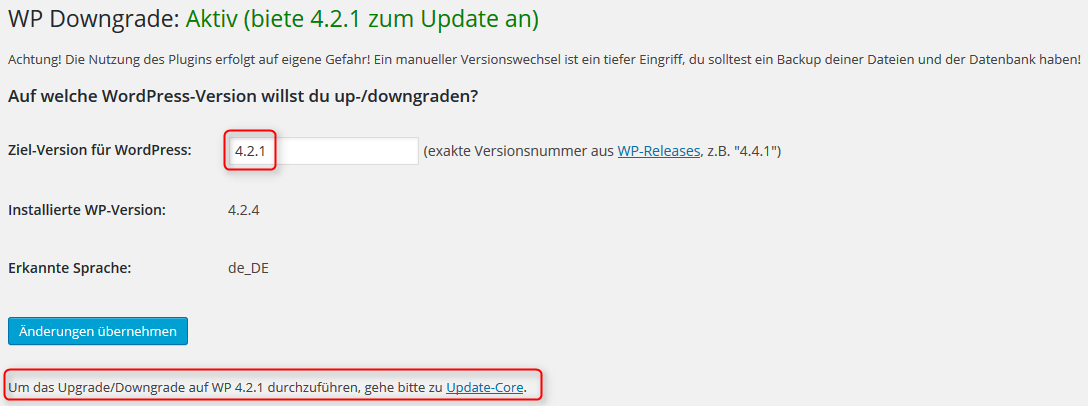
- What it Does: The plugin "WP Downgrade" forces the WordPress update routine to perform the installation of a specified WordPress Core release. The defined version is downloaded from wordpress.org and installed just like a regular update.
- The Benefit: It solves the issue where WordPress's Automatic Update routine only offers the latest release. This is especially helpful for users who have to wait for plugin compatibility before updating their Core.
- How it Works: It makes WordPress believe that the version you want to update to actually is the latest version. This enables the use of the Automatic Update mechanism even for lower/older WP versions (allowing a Rollback).
- Security & Choice: The description suggests this is a must-have for "seasoned" WP installations, allowing users to choose among secure releases, not exclusively the latest one.
- New Advanced Option: You can now manually edit the download link (e.g., to change the language or use another source).
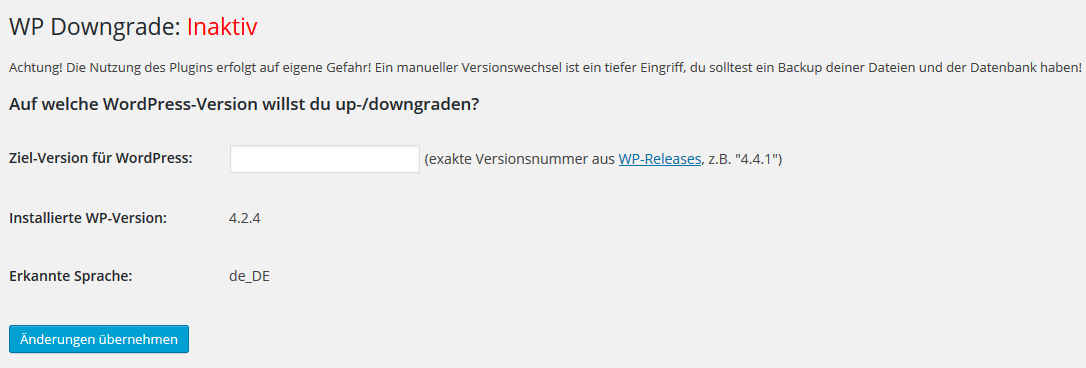
- Stay Permanent: Your WordPress will stay on the chosen version until you change the version number in WP-Downgrade, empty it, or deactivate the plugin.
⚠️ Warning: Use at Your Own Risk!
A version change is always a risky intervention! You should definitely create a backup of your files and database beforehand!