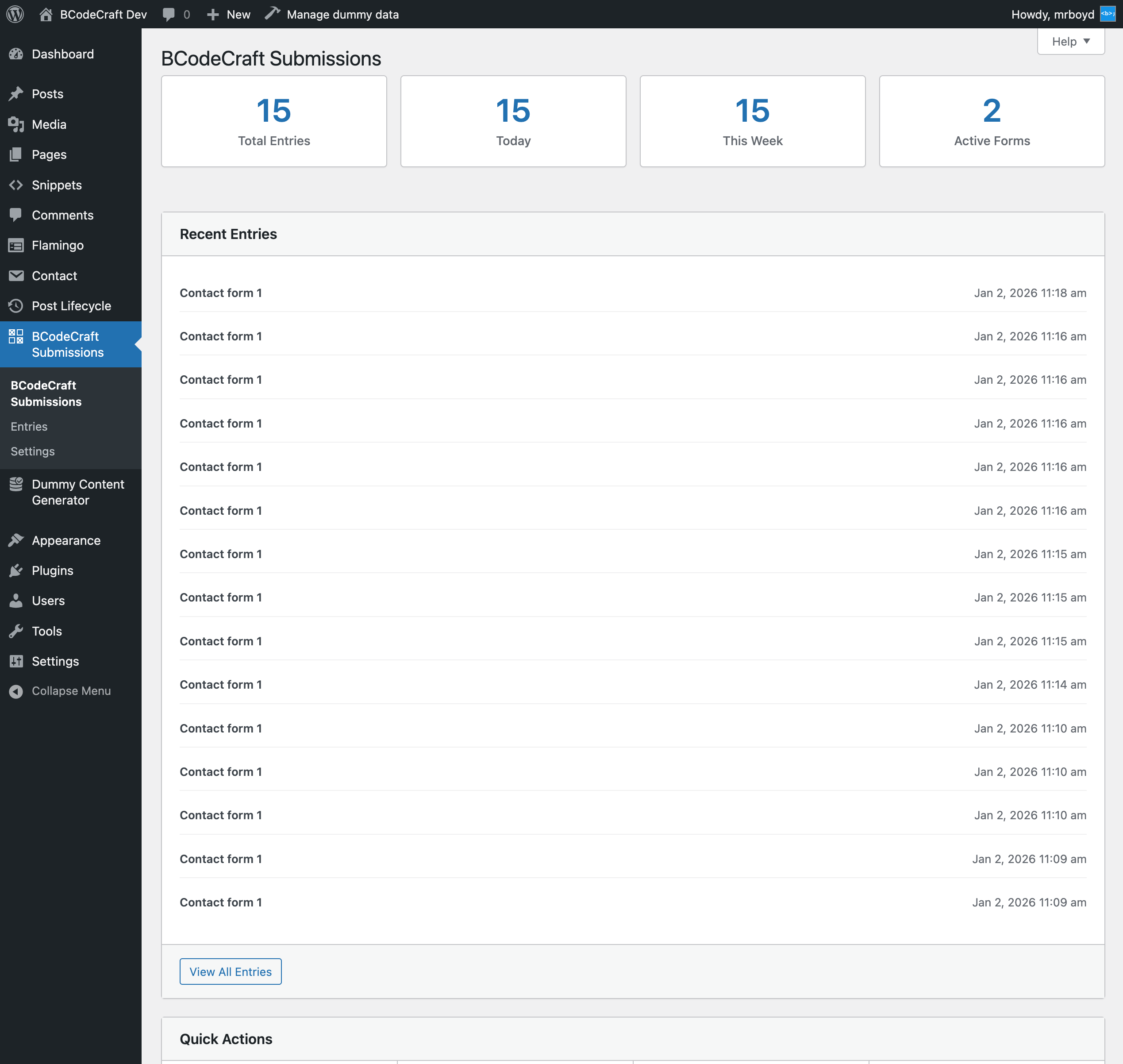
BCodeCraft Submissions for Contact Form 7 - Complete Description
Category: WordPress Plugins • Platform: PHP
BCodeCraft Submissions for Contact Form 7 is a secure plugin that captures and stores all Contact Form 7 submissions in your WordPress database. Built with security-first principles, it provides a comprehensive solution for managing form entries.
Never lose a lead again! Every Contact Form 7 submission is automatically saved and can be viewed, searched, filtered, and exported directly from your WordPress admin.
Key Features:
- Secure Storage – All form submissions stored securely with proper sanitization and validation
- Fast & Intuitive Interface – Clean, responsive admin interface that’s easy to use
- Comprehensive Metadata – Capture IP address, user agent, page URL, submission time, and more
- Export to CSV – Export entries with Flamingo-compatible format for easy importing
- Advanced Search & Filter – Real-time search and filtering by form, date, content
- Bulk Actions – Delete or export multiple entries at once
- Detailed Entry View – View all submission data and metadata in a clean modal
- Data Retention Settings – Configure automatic cleanup or keep entries forever
- Security First – Built following WordPress security best practices
- CF7 Integration – Seamless integration with Contact Form 7
Perfect For:
- Business owners who need to keep records of all form submissions
- Developers who want a reliable form data backup solution
- Marketing teams who need to export leads to external tools
- Anyone concerned about losing important form submissions
If you find this plugin useful, consider supporting its development:
* Support on Ko-fi
Source Code & Build Information:
The full uncompressed source code is included in the src/ directory of this plugin. This includes:
* React/JavaScript components in src/components/
* SCSS stylesheets in src/ directory
* All source files needed to rebuild the compressed assets
To rebuild from source:
1. Run npm install to install dependencies
2. Run npm run build:prod to build production assets
3. Run composer install --no-dev to install PHP dependencies