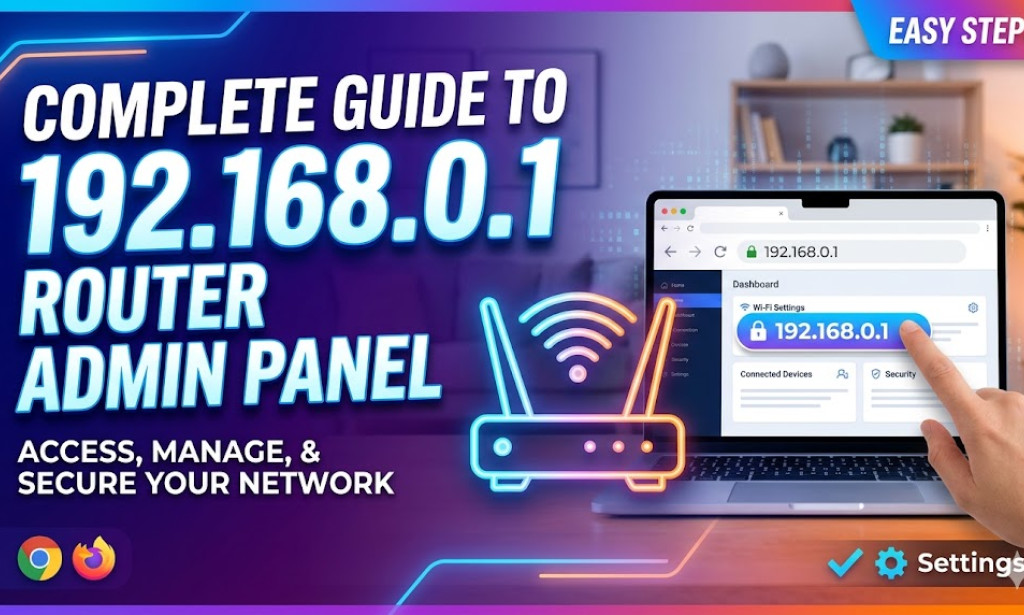
A Complete Guide to Accessing and Managing the 192.168.0.1 Router Admin Panel

What is 192.168.0.1?

The IP address 192.168.0.1 is a private IPv4 address used as the default gateway for many home wireless routers and DSL modems. Major manufacturers like TP-Link, D-Link, and Tenda frequently use this address to host their web-based configuration interfaces. By accessing this panel, users can manage their internet connection, security settings, and local network preferences.

How to Access the Admin Interface

To access your router's internal settings, your device must be connected to the router's network. Follow these steps:

  • Connect your computer or smartphone to the router via Wi-Fi or an Ethernet cable.
  • Open any web browser (Google Chrome, Mozilla Firefox, Safari, or Microsoft Edge).
  • In the address bar (not the search bar), type http://192.168.0.1 and press Enter.
  • You should be greeted by a login page asking for a username and password.

Default Login Credentials

If you have never changed your router's login details, you can usually find the default credentials on a sticker at the bottom or back of the device. The most common combinations are:

  • Username: admin | Password: admin
  • Username: admin | Password: password
  • Username: admin | Password: (leave empty)

If these do not work and you have forgotten a previously set password, you may need to perform a factory reset by holding the 'Reset' button on the device for 10 seconds.

Important Settings to Configure

Once you have successfully logged in, there are several key settings you should review to ensure your network is secure and performing optimally:

  • Change Wi-Fi Name (SSID): Personalize your network name so it is easily identifiable.
  • Update Wi-Fi Password: Use WPA2 or WPA3 encryption with a strong, unique password to prevent unauthorized access.
  • Update Firmware: Manufacturers regularly release updates to fix security vulnerabilities and improve performance.
  • Parental Controls: Many modern routers allow you to block specific websites or set internet usage schedules for children.

Troubleshooting Login Issues

If you are unable to reach the login page at 192.168.0.1, try the following solutions:

  • Verify the IP: Ensure your router's default gateway is indeed 192.168.0.1. Sometimes it may be 192.168.1.1 or 10.0.0.1.
  • Check Connections: Ensure the Ethernet cable is secure or that your Wi-Fi signal is strong.
  • Disable VPNs: Virtual Private Networks can interfere with local network access; disable them before attempting to log in.
  • Clear Cache: Try clearing your browser's cache or using an 'Incognito' or 'Private' window.

Enjoyed this article? Stay informed by joining our newsletter!

Comments

You must be logged in to post a comment.

Related Articles
About Author

Abu Taher Siddik (born September 4, 1999) is a multifaceted digital creator, full-stack web developer, and writer. Known for his technical versatility and entrepreneurial drive, he has built a career centered on software engineering, automation, and the democratization of digital content.

Early Life and Background

Born on September 4, 1999, Abu Taher Siddik developed an introverted and focused personality early on, which eventually translated into a deep passion for technical problem-solving. He maintains a close relationship with his family and has often highlighted the foundational support of his mother, Mina.

Professional Career and Technical Expertise

As a Full-Stack Web Developer, Abu Taher has developed a robust portfolio ranging from mobile utilities to complex web ecosystems. His technical repertoire is characterized by high-level automation and modern UI/UX design:

  • Mobile Development: He specializes in Kotlin and Jetpack Compose, having engineered utility applications such as a high-precision "Internet Speed Meter" and an "Image Effects" suite.

  • Web Systems: His work involves building searchable, high-performance platforms using PHP, Tailwind CSS, and NewsAPI.

  • Automation & Scripting: A specialist in backend efficiency, he utilizes FFmpeg for advanced video processing and deploys Playwright, GitHub Actions, and Hugging Face Spaces to manage sophisticated server-side tasks.

Entrepreneurship: CodeStorez

Abu Taher is the Founder of CodeStorez (codestorez.com), a platform reflecting his vision for the creator economy. Under his leadership, the site transitioned into a paid-article and creator rewards system. This model empowers writers and developers to monetize their expertise, bridging the gap between technical knowledge and financial sustainability.

Philosophy and Personal Milestones

Driven by a blend of technical curiosity and spiritual reflection, Abu Taher’s work is characterized by resilience and constant evolution. Whether navigating the complexities of platform management or finding inspiration in moments of solitude—such as his experiences in Cox's Bazar—he remains dedicated to building tools that serve the global developer and creator communities.


#CodeStorez #Founder #FullStackDeveloper #WebDevelopment #SoftwareEngineering #Entrepreneur #TechBio #Kotlin #JetpackCompose #Automation #PHP #TailwindCSS #DigitalCreator #Innovation #CodingCommunity #BangladeshTech